Only for gauges running firmware older than v0.13. Firmware from before v0.13 can't jump straight to the current release. A small bridging update goes on first, then the release firmware — and your gauge gets every feature added since.
Before you start
We recommend restoring default settings before installing this upgrade, as older settings can cause configuration problems afterwards. If you don't want to lose your setup, write down what you've changed and save a backup of your settings first. We can help convert an older backup to the new format — just email us.
Upgrading step by step
1. Download both files
Log in to the firmware portal and download both update files: the bridging update and the release firmware.
2. Connect to the gauge
Join the gauge's WiFi hotspot and open the Web UI at http://4.3.2.1.
3. Install the bridging update
Install the bridging update and wait for it to finish. You'll see this screen once it's installed:
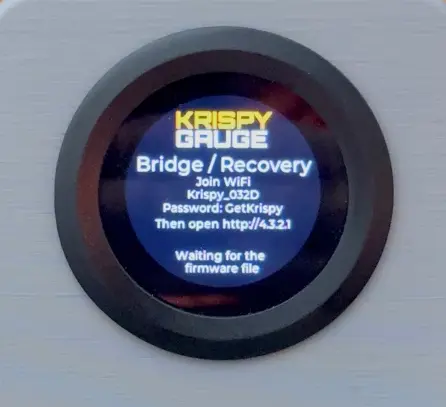
4. Install the release firmware
Join the gauge's hotspot again if you were disconnected, and install the release firmware file you downloaded. The gauge restarts into the release firmware.
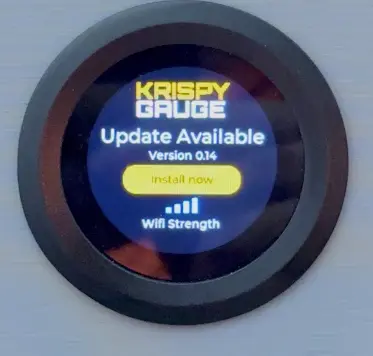
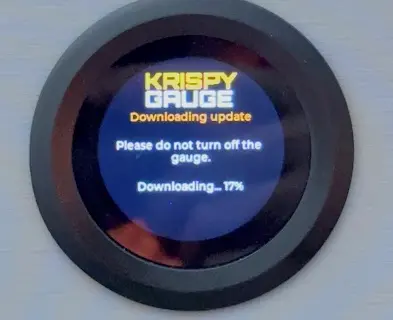
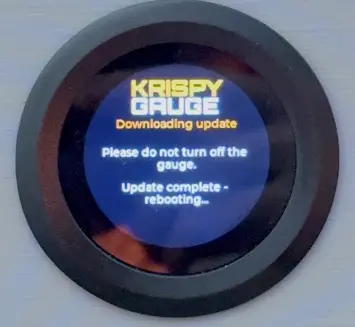
Or: update over your home WiFi
You can also join the gauge to your home WiFi network and update it on the gauge itself.
Any problems or questions, email [email protected].